Kingo Android Root
|
3:59 AM
In android root, best root apps, droid, how to root, kingo android root, one click root, root, root apps |



----------------------------------------------------
1. Unlock Hidden Features
2. Uninstall Bloatware
3. Speed up You Phone
4. Ads Free
5. Privacy Guarded
6. Boost Battery Life
How to root your android with kingo
--------------------------------------------------------
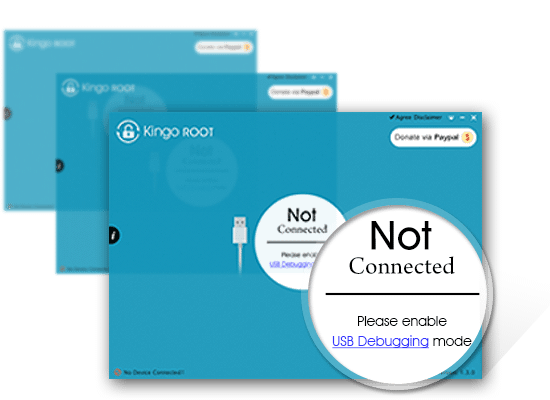
Step 1 : Download, install and launch
-----------------------------------------------
Free download Kingo Android Root, install it on you computer (Windows only), and then launch it. Make sure you have Internet access.
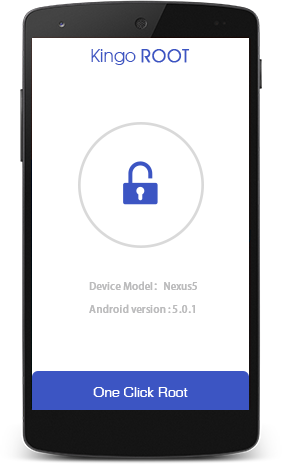
Step 2 : Connect your device via USB
----------------------------------------------
Make sure USB Debugging mode is enabled on your Android device and allowed from your computer. How?

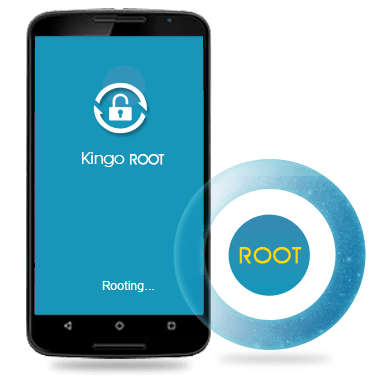
Step 3 : Click "ROOT" and wait
---------------------------------------
Read the notification carefully and be aware of the risks involved in Android rooting process.
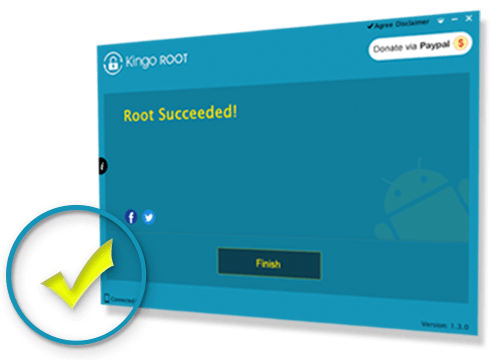
Step 4 : Root Succeeded
---------------------------
Click "Finish" to reboot your device. Voila! Your device is now rooted by Kingo Android Root.
Download Links
---------------------
Download Server 1 (19.94 MB)
Download Server 2(19.94 MB)
Kingo.apk (9.94 MB)
I Love your article. You cant visit my website
ReplyDeleteac market hacking app apk